Teya Conceptor it's a 3d software made by 3d artist
It allows to make quick 3d geometry for purposes where topology isn't very important.
To use in art and entertainment.
Main workflow is kitbashing and drawing with 3d brushes. It's also have some additional tools like 3d generators for plants and buildings (procedural with parameters, not AI generators)
|
premade |
→ |
kitbashing/drawing |
→ |
obj/image |
Teya Conceptor using obj format for import 3d models (to scene or to custom brushes) and to save/export result. It's auxiliary software to use it with another programs. 3d drawing using library of 3d brushes. And few more tools.
Examples of workflow
For main tool it looks like assembling 3d model, or sometimes like 'drawing' it
Smoothing groups are made via different parts of geometry. If you plan to use subdivision, displacement (and possibly other things that can break parts like some deformations) after export, use weld after import to other software. 3d brushes also dosn't made UV maps.
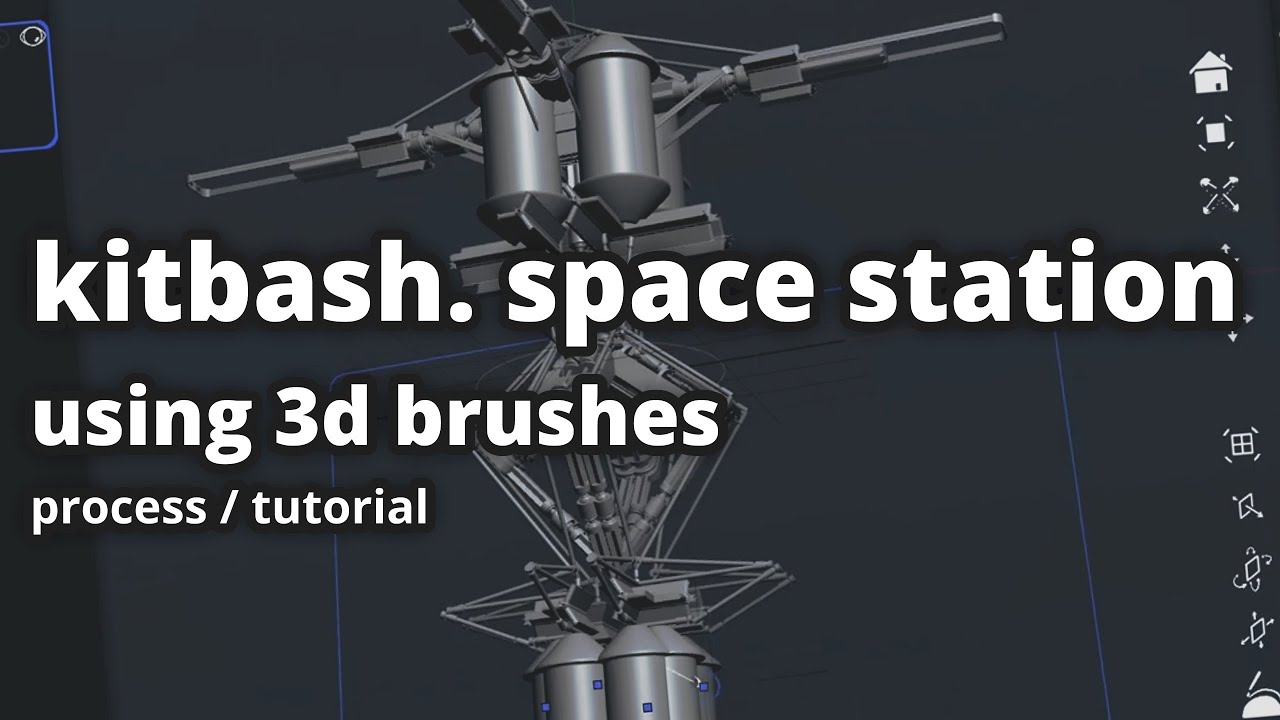
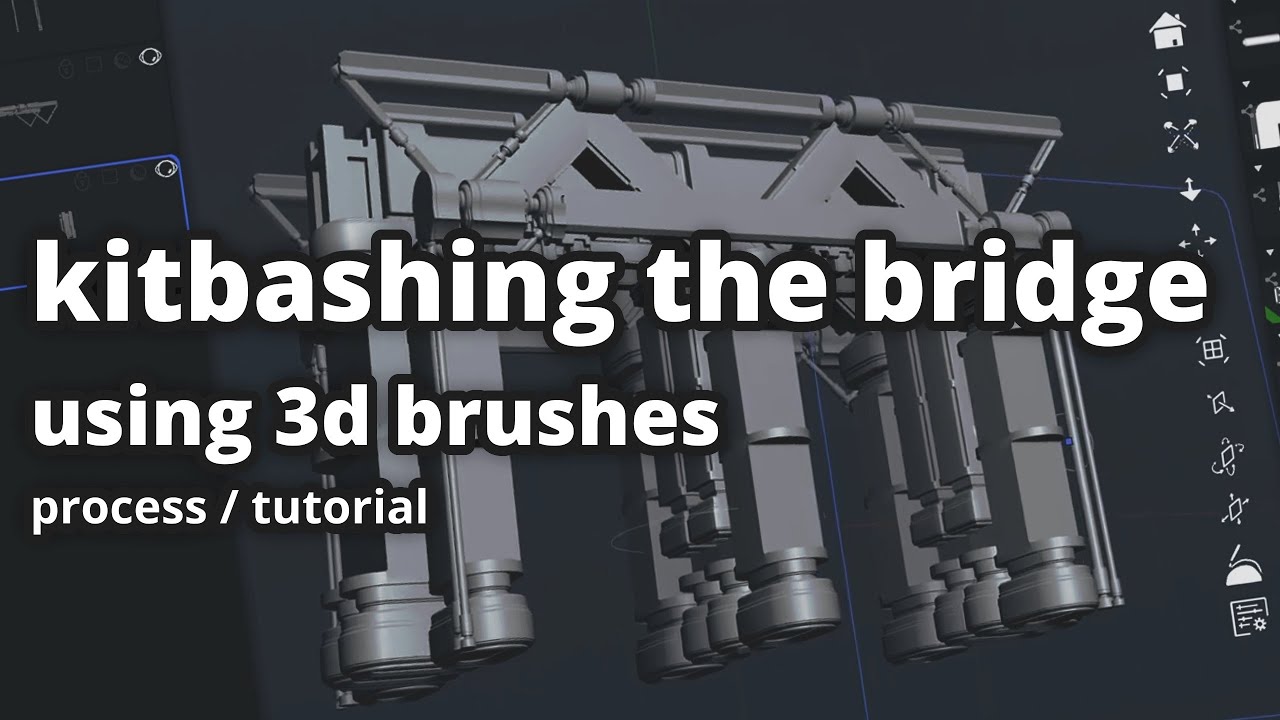
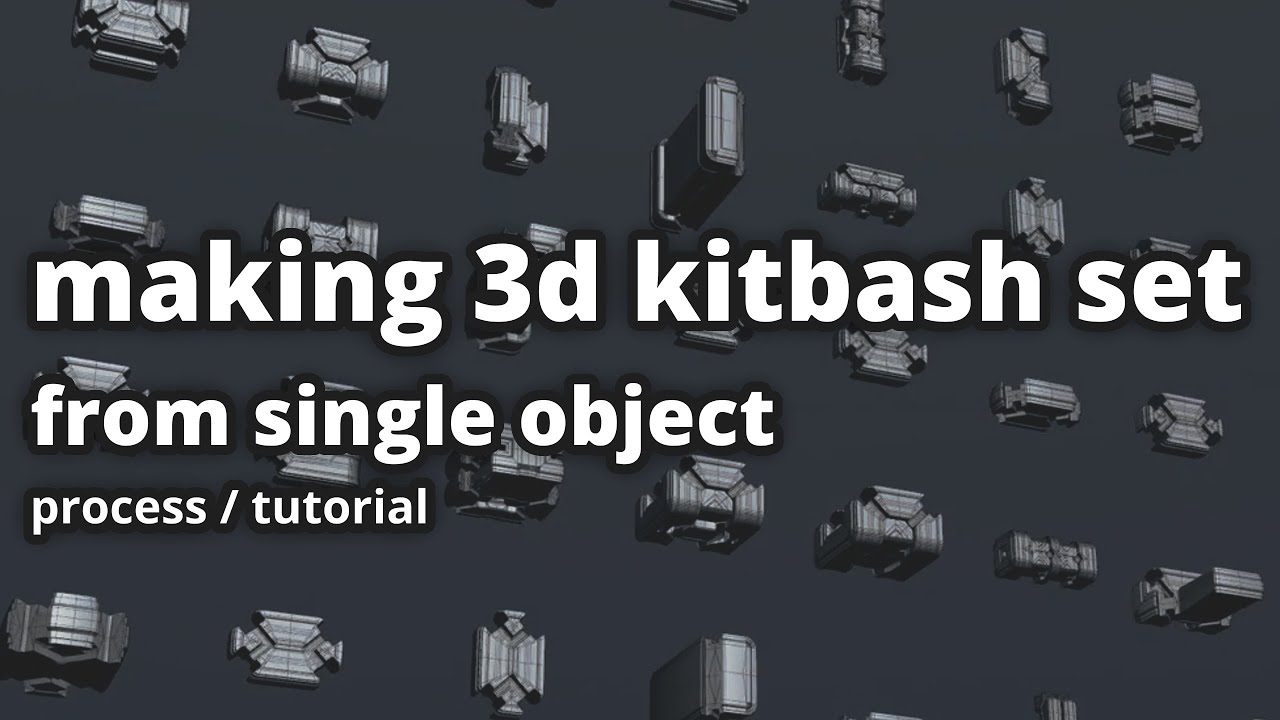
Making kitbash sets
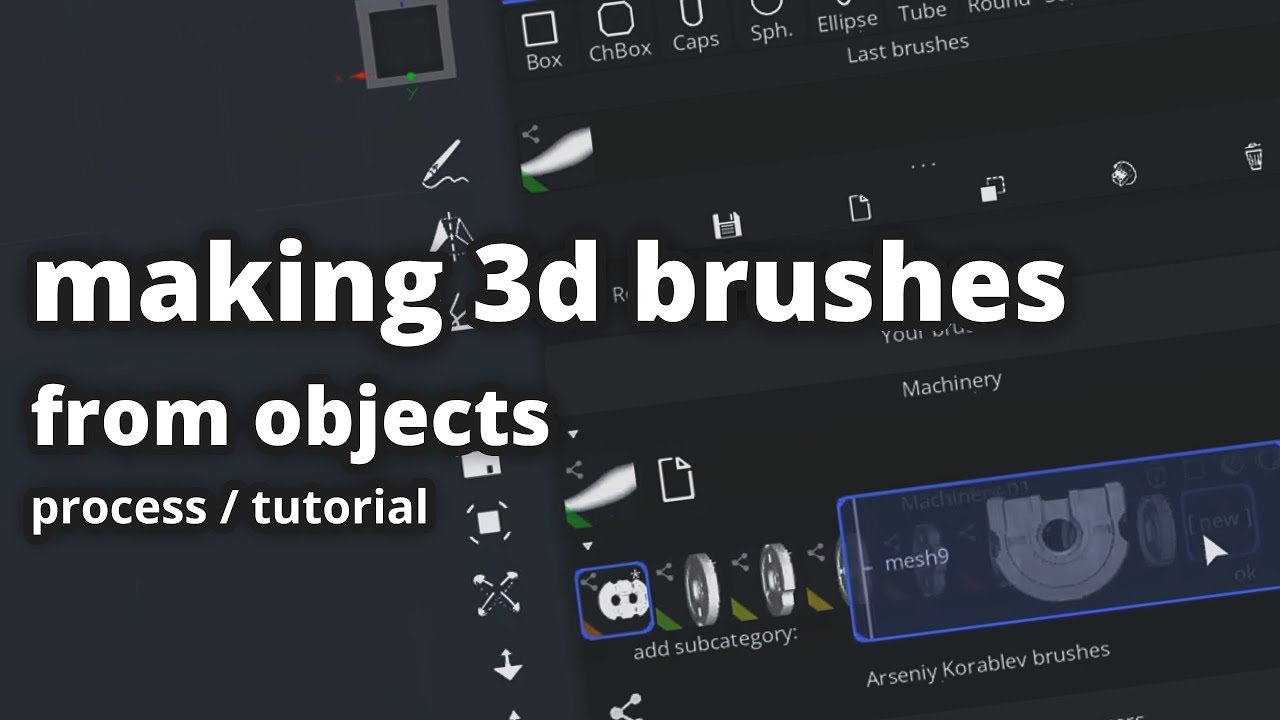
Besides of included library of 3d brushes you can also import your 3d models and make brushes using drag & drop from objects list in ui.
There also interesting 'variants' tool that can turn single model to few where some of them can be useful.
So along with different brush settings, one model can be used to make different brushes.
To save time by import/export less there are also possibilities to modify meshes different ways (deformations, subdivision) but it's not software for modeling via editing polygons and not software for sculpting.
And sure, simple enough object that drawn in Teya Conceptor can be turned to brush, and so on.
Patterns
Drawing instead of kitbashing (it's just different types of brushes) is useful to make patterns and expirement with forms.
Symmetry with slicing allows to make new forms using the same brushes.
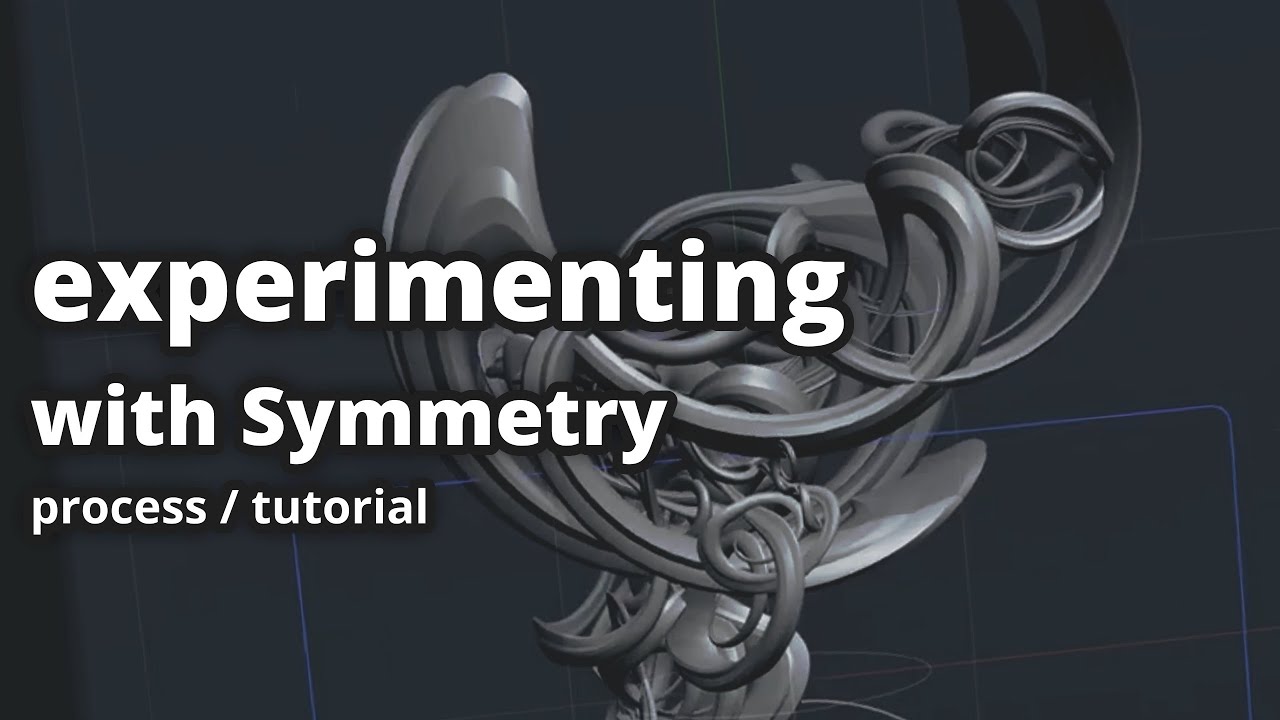
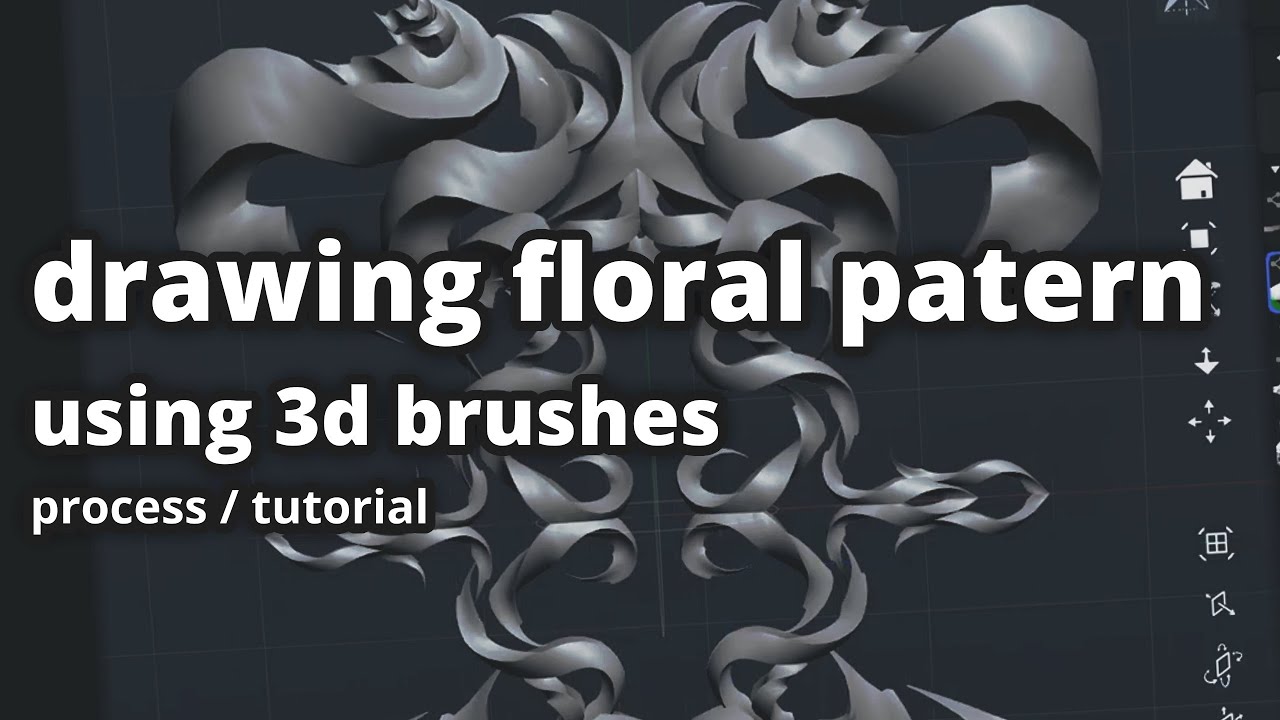
Examples of finished artworks where it was used together with another software
How it can be used?
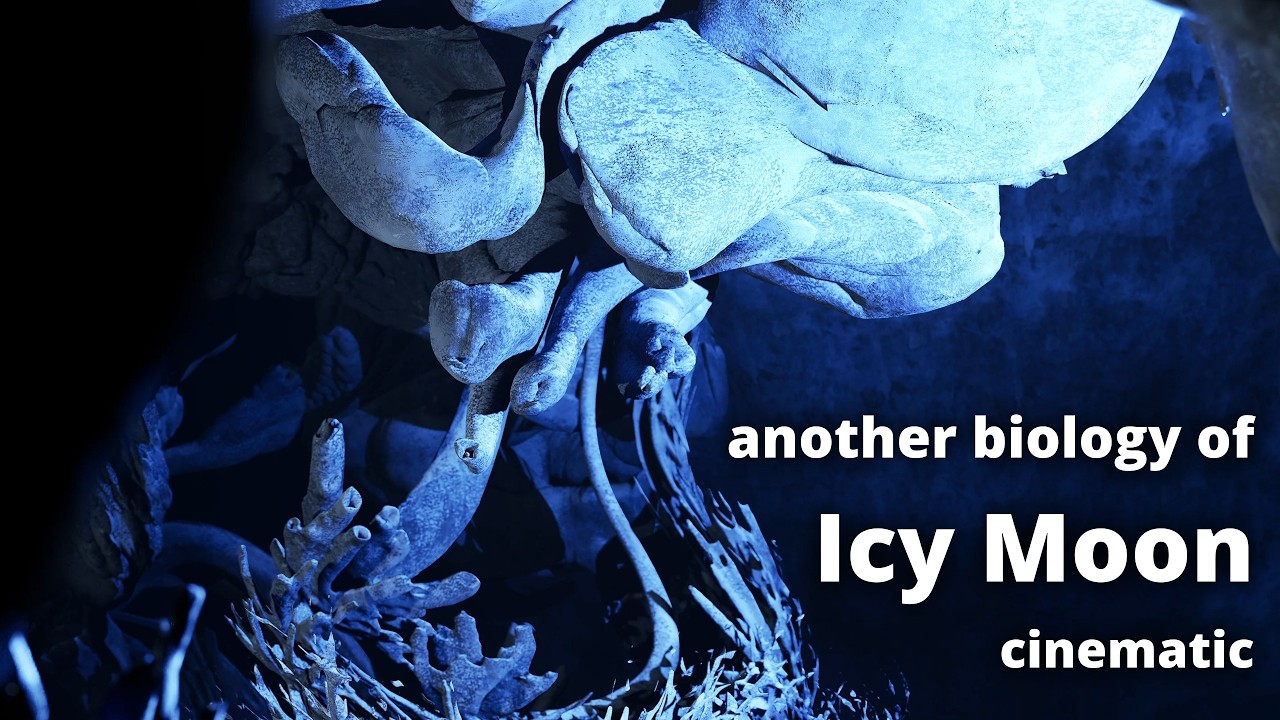
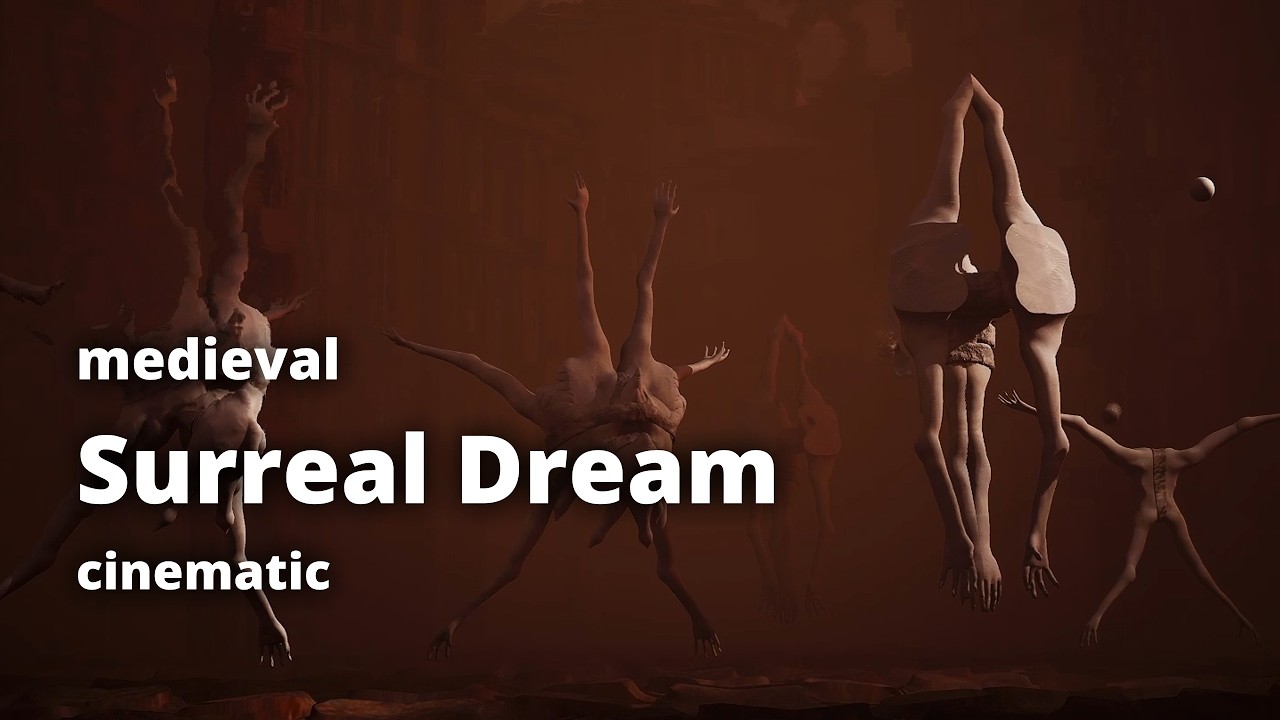
To demonstrate, here are some of my CG videos where I used Teya Conceptor to make 3d models faster.
Finishing models, texturing, adding sounds and rendering was made in another software (Blender, Unreal Engine, DaVinci Resolve). Your workflow can be different, you can even just export images instead of objects and use them for overpaint in 2d concepts.
|
An cinematic that shows result of using Teya Conceptor to making creatures, kitbashing vehicles and using of procedural generators for trees and buildings.
|
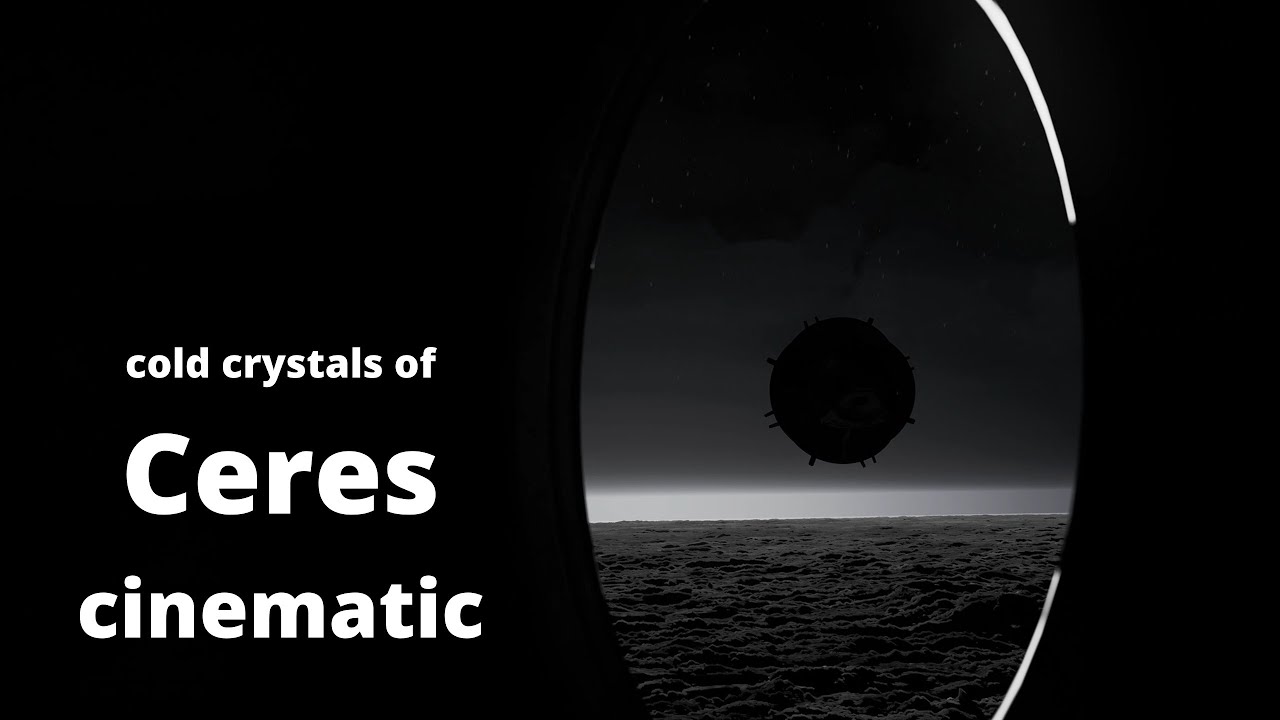
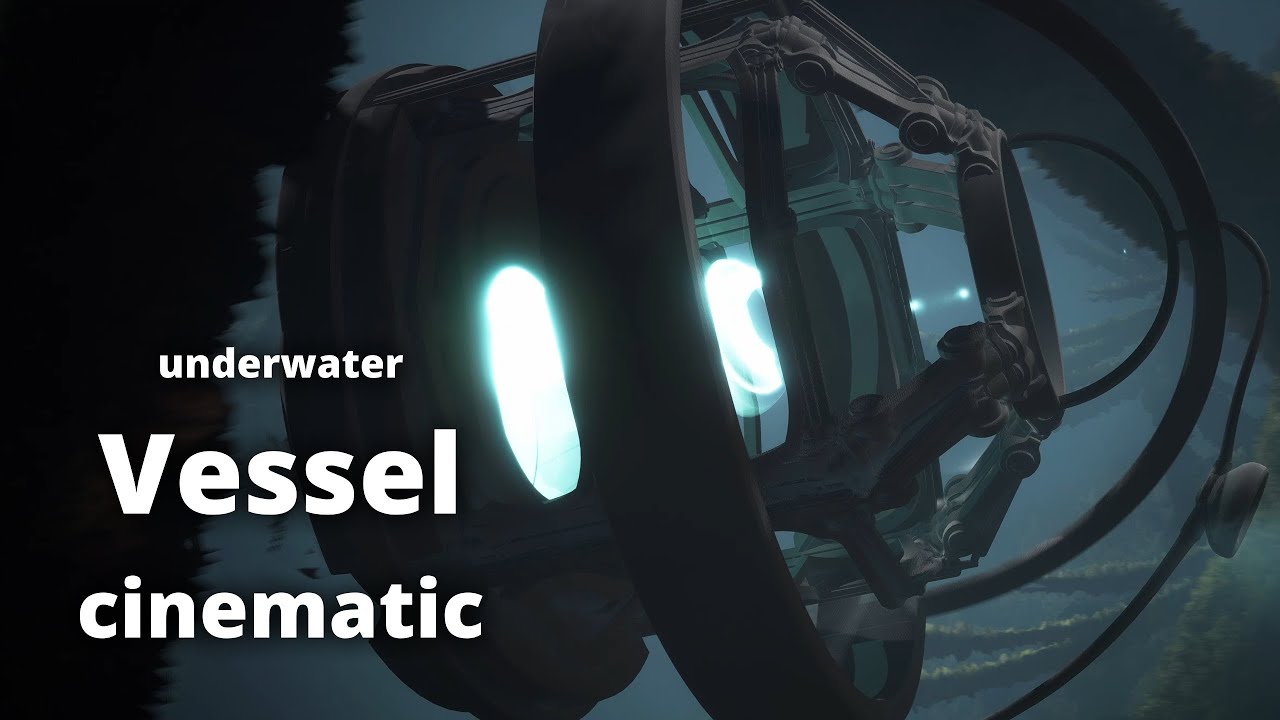
|
Here I used brushes (made from creature sculpted in Blender) to draw strange creatures |
Used creatures basemesh generator with kitbash brushes to make and adjust sci-fi robots |
Kitbashing the vehicle and used the plants generator for underwater trees |
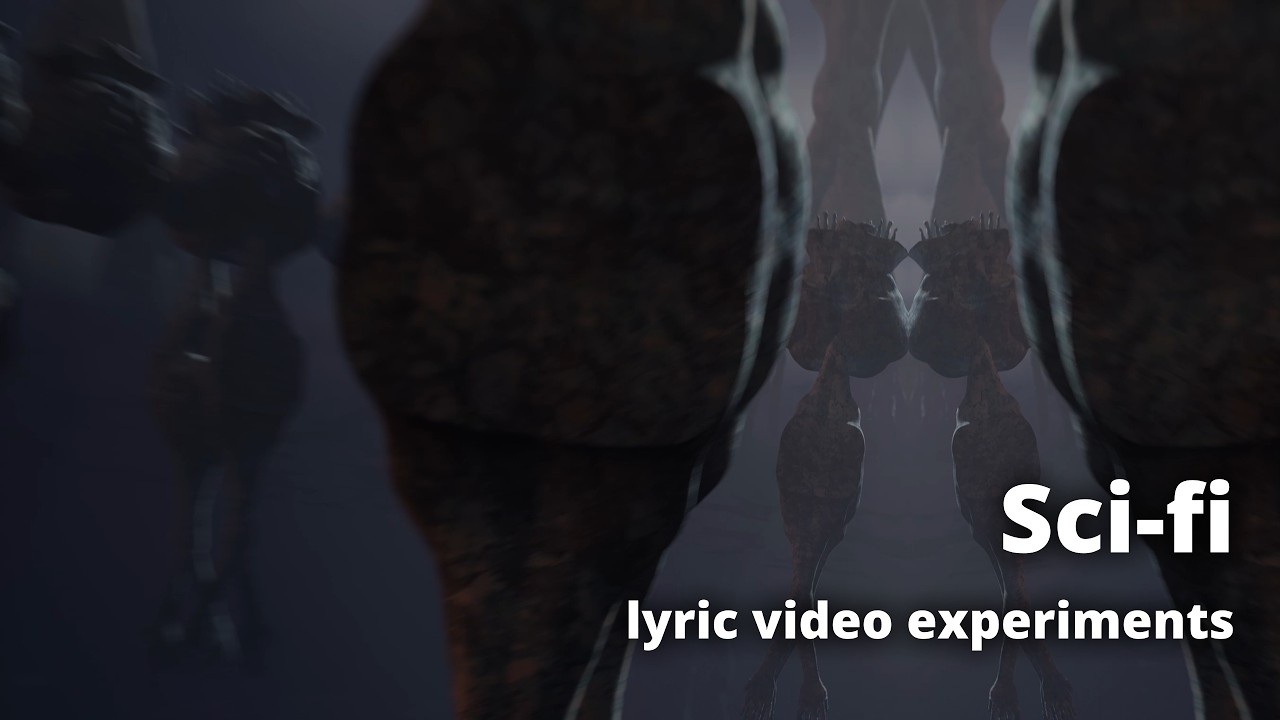
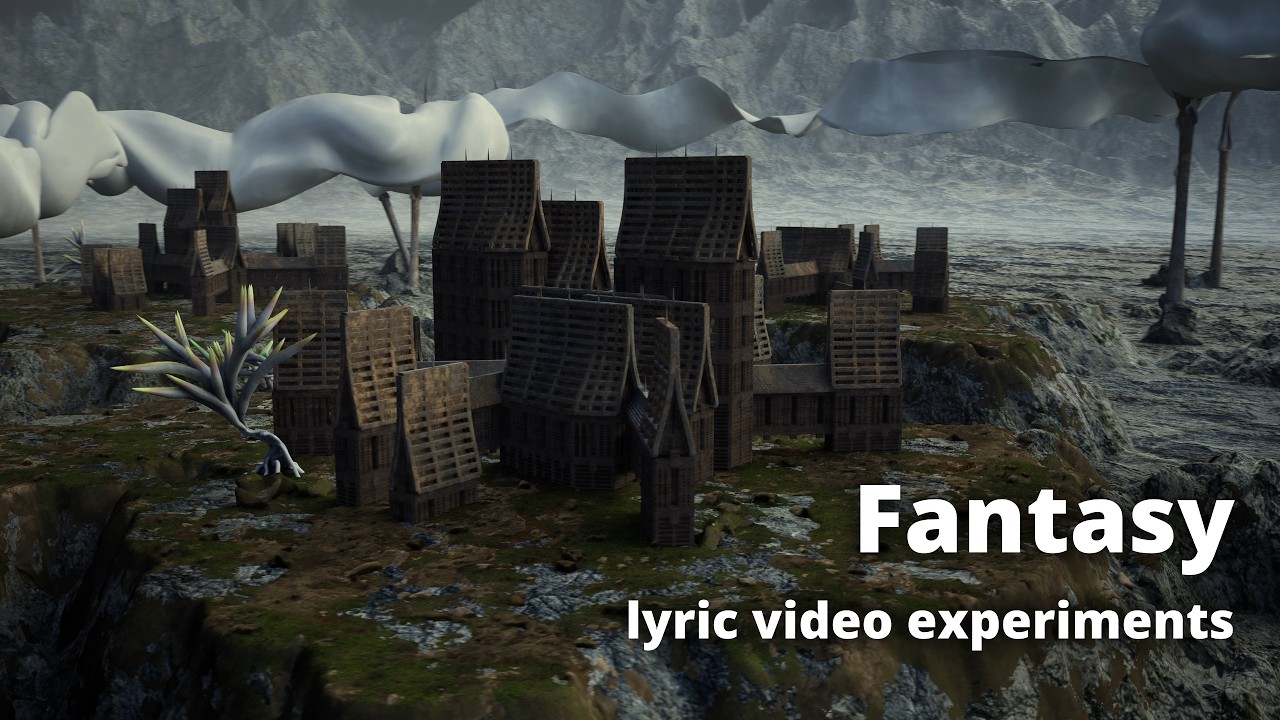
|
Generated buildings, plants geometry and made statues similar way like in surreal dream |
Generated buildings, drawing sails and it's holders, wheel and 3d patterns |