Basic overview is on main page
Below is a UI description (in classic mode chosen at welcomescreen, it's ui for main workflow)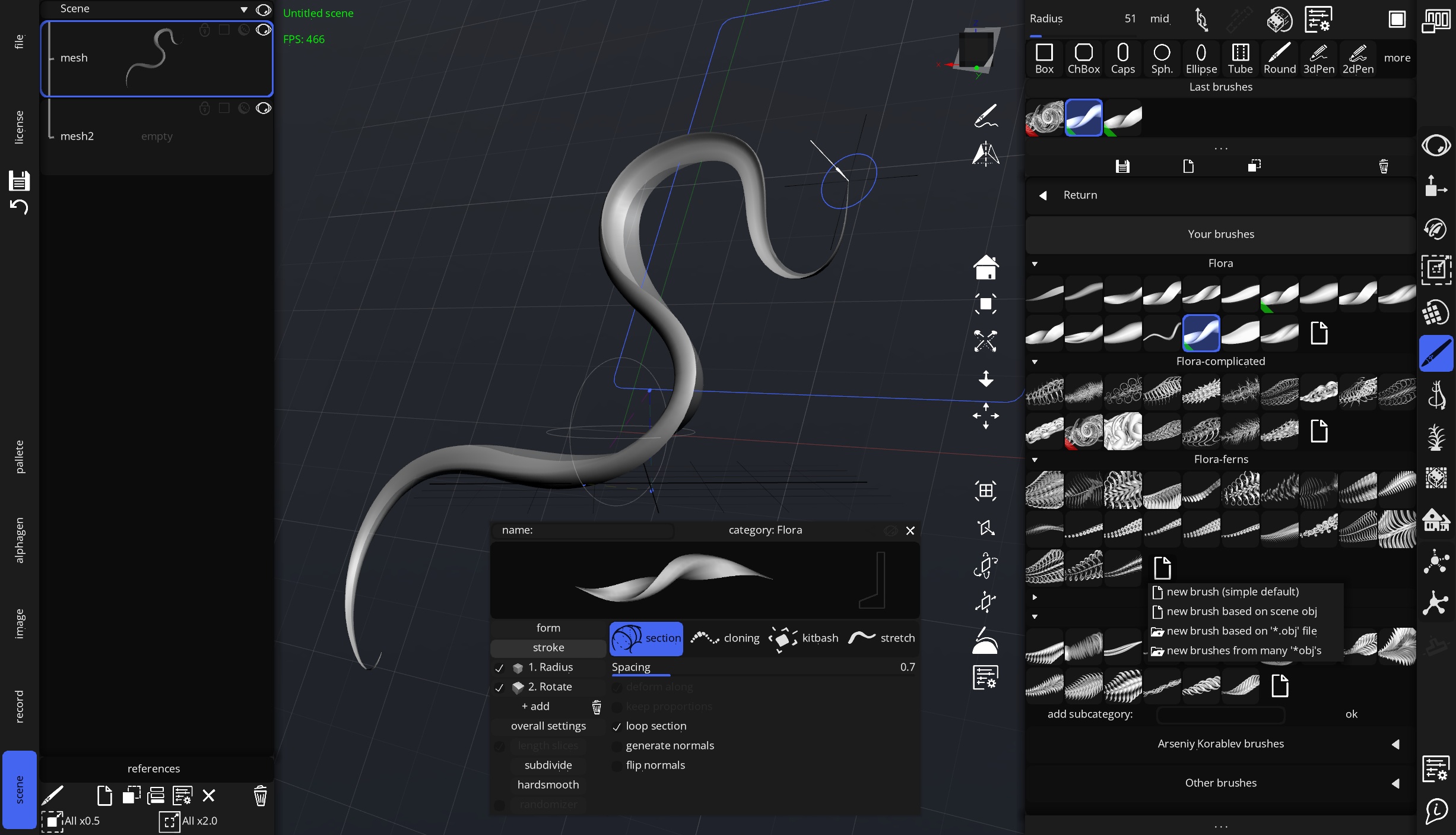
3d brush tool chosen, object list panel and brush preset edit panels opened (most other elements in ui described via cursor hints and also by F1 and F2 in program)
If description (which above image) in separate tab is more handy for you, it's here